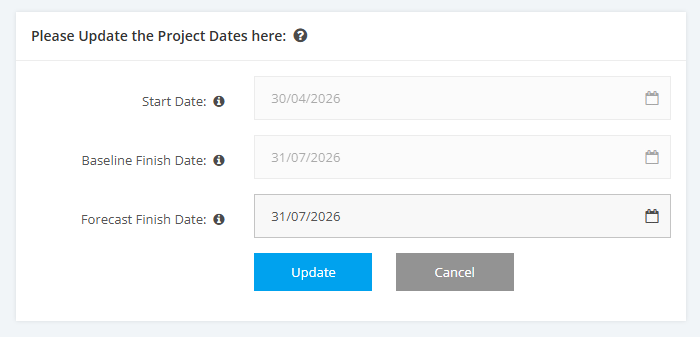
1. Schedule Logic and Validation rules
There are a number of date validation rules applied to avoid any schedule tasks and activities being created with invalid dates. The rules vary depending if the Project is in Planning (Phase 3) or Phase 4 (Execution).
Below is an overview of the rules that apply to setting up Project Schedules:
Planning (Phase 3)
- Start Date
1. If a project is NOT configured with Planning Start Date or End Date, there are no restrictions.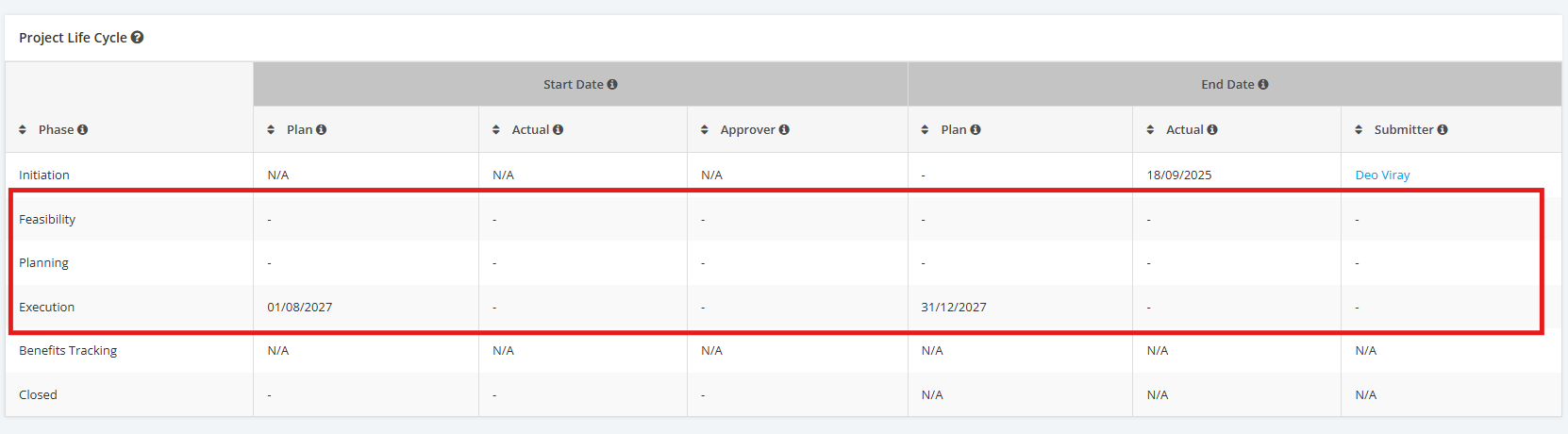
2. If a project is configured with a Planning End Date, that date must not exceed the Execution Start Date.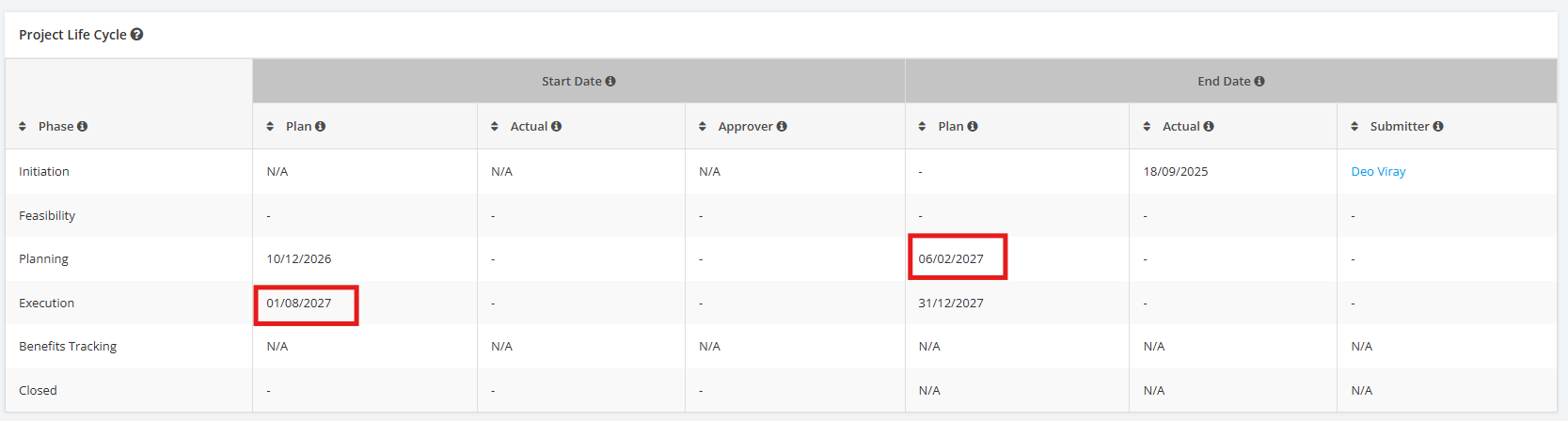
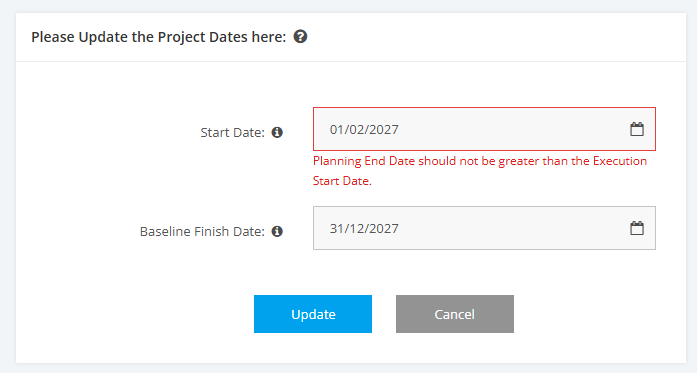
3. If a project is configured with Dates within the Project Life Cycle, the Execution Start Date cannot be earlier than its previous Project Stage Dates.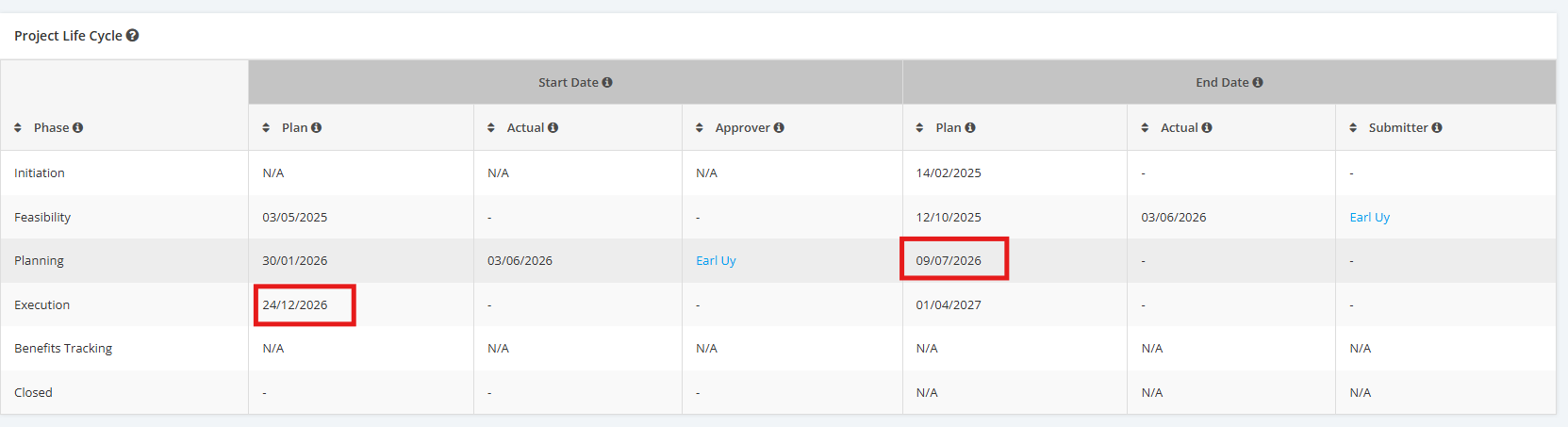
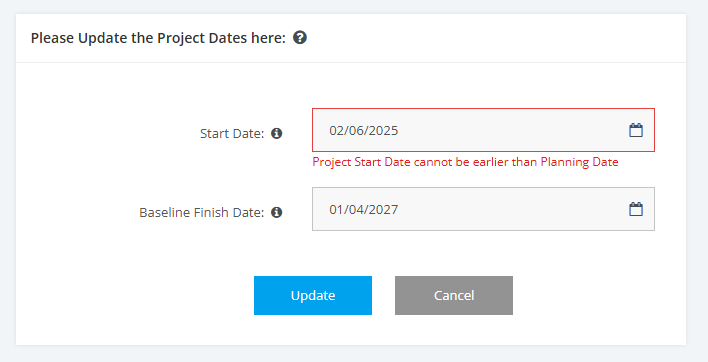
- Baseline Finish Date
If a project is configured with Dates within the Project Life Cycle, the Project End Date cannot be later than the Closing Date.
Note: Although users can edit project dates in the Edit Project Dates section of the Schedule module, an error message will appear when they try to submit the project to Execution (Phase 4).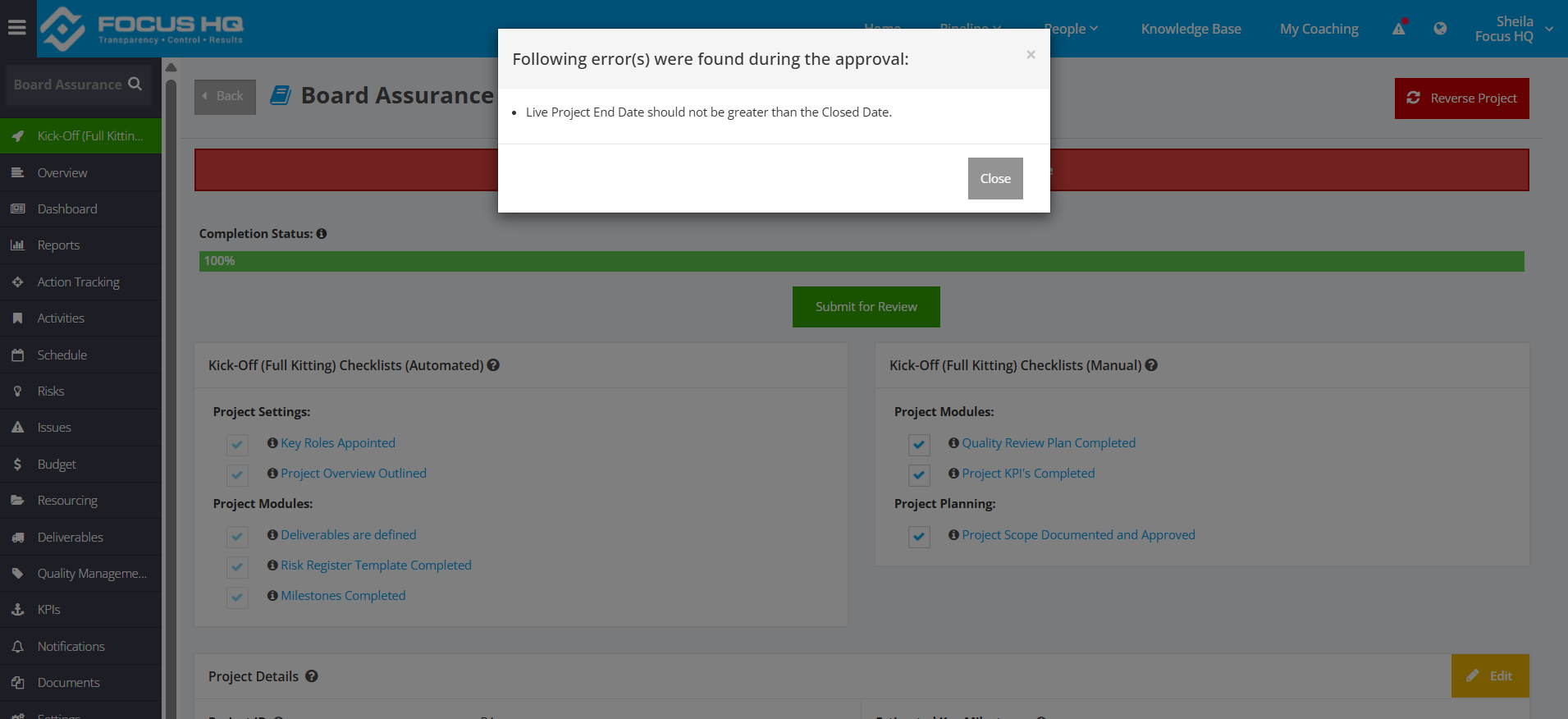
Execution (Phase 4)
- Start Date – can no longer be changed
- Baseline Finish Date – can only be changed via Change Control Process
- Forecast Finish Date – changed based on user’s access rights.