1. Export a Schedule into a CSV Format
Users have the option to export CSV files from Focus. They can then make selected updates directly in the CSV file and import the updated file back into Focus.
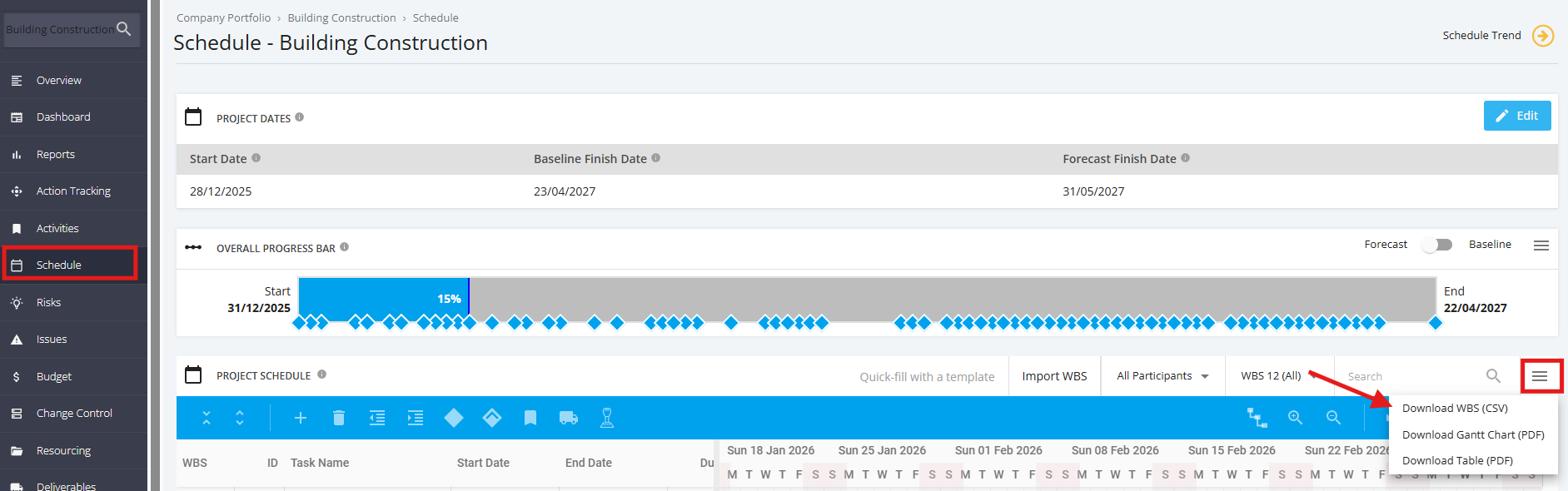
To export a schedule into a CSV file, select the ‘Schedule’ module from the left sidebar of the page then navigate to ‘Project Schedule’. Once done, click on icon with the ‘3 bars’ button as shown below and select Download CSV WBS. The Export file can then be opened or saved.