1. Manage Effort within a Project Schedule
There is an additional ability to capture planned effort if ‘Duration’ is Not Sufficient.
Effort is defined as the planned effort for the duration of a task. E.g. A task may have a duration of 10 days to complete yet only requires a resource effort of 7 days.
Note: Both Resource and Effort fields are independent of each other, so a resource can be assigned without assigning an effort.
- Once a project is selected, to assign an effort, click the ‘Schedule’ tab from the left sidebar of the page and the navigate to ‘Project Schedule’.
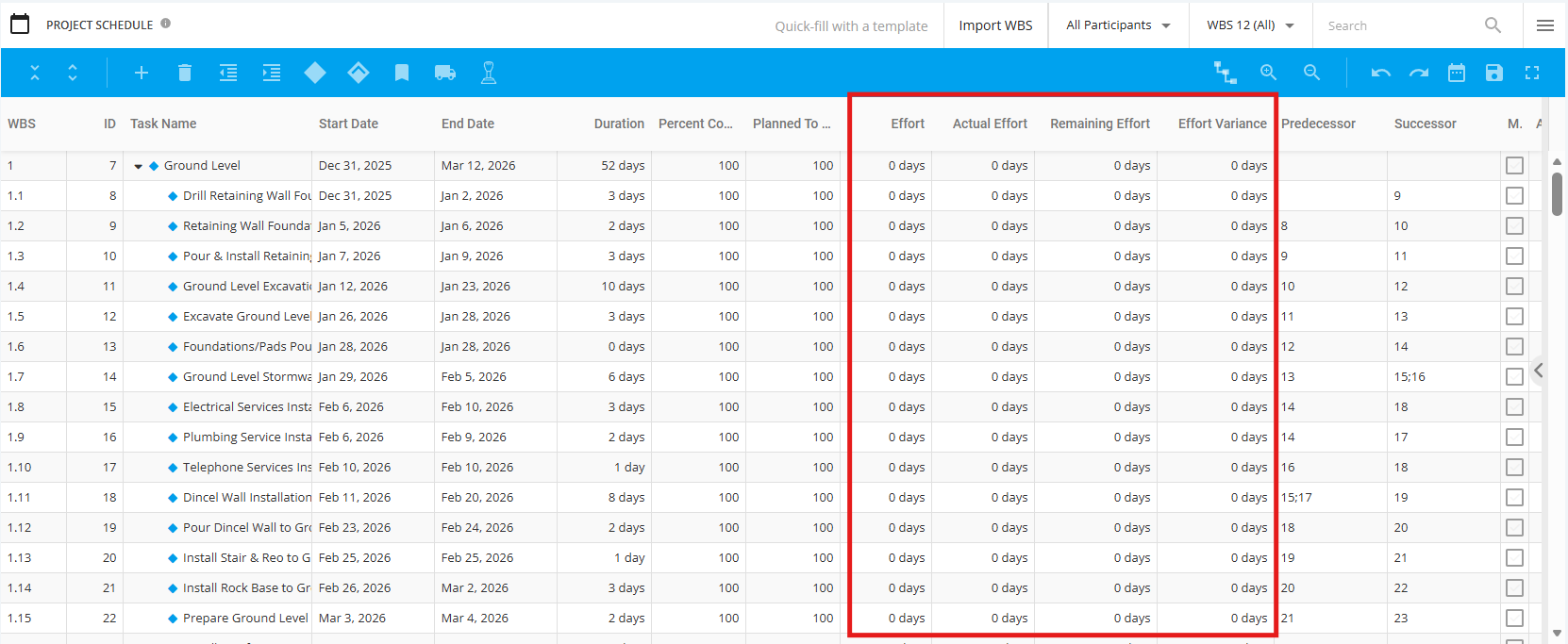
There are several options available to update the assignment of a task with an effort.
- Manually- Click on the Effort field to make the necessary changes.
- Effort and Actual Effort to be entered should be a number and unit, e.g. 1hr or 2 days
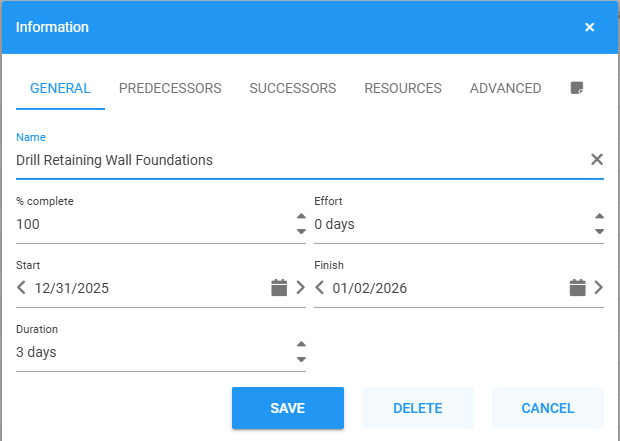
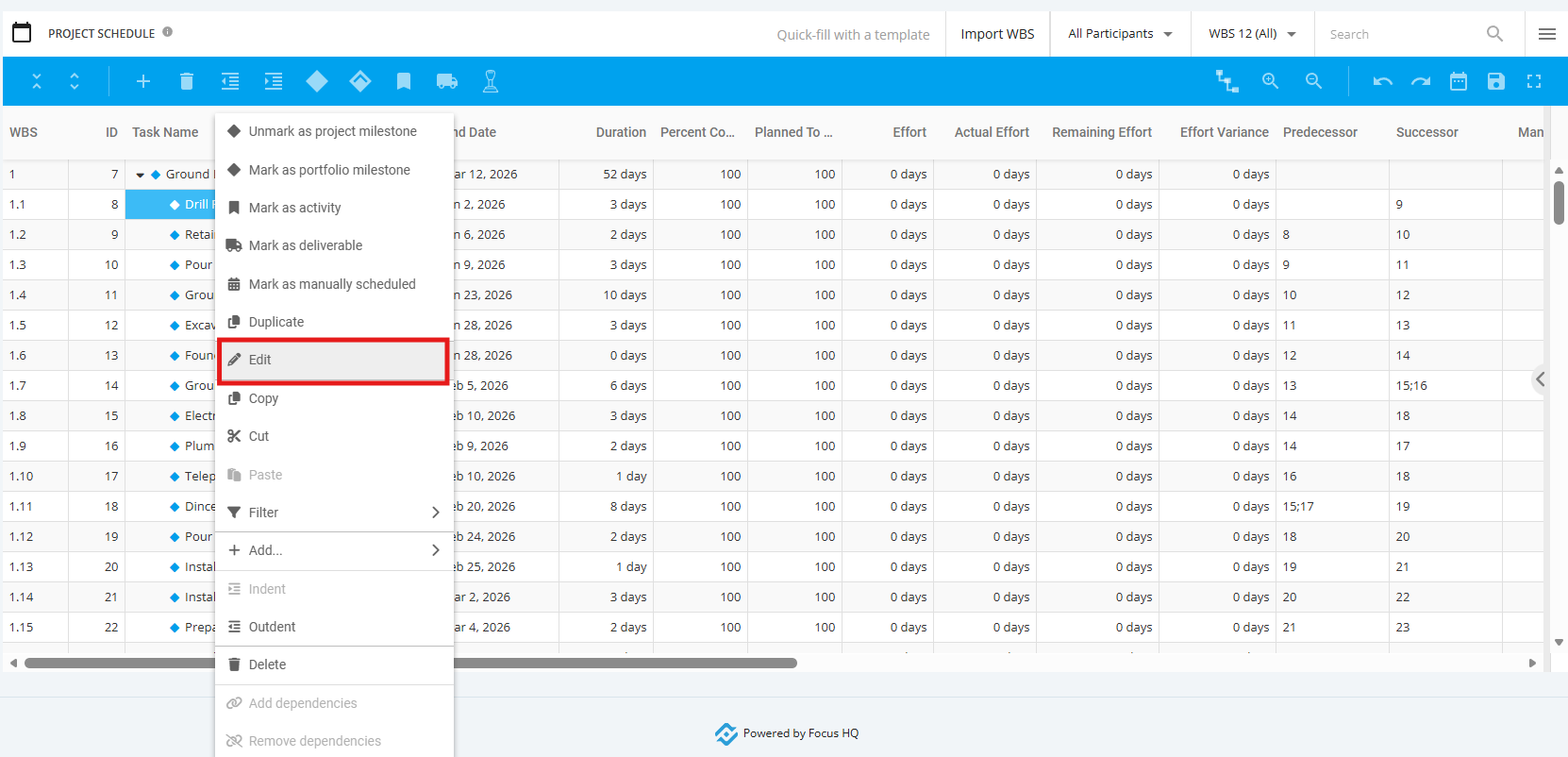
- Context Information Box - Right click on existing task and a pop-up will display then choose ‘Edit’. User to update details via the General Tab.
Select General tab – the default is units of days, if a different unit is required, user needs to manually update and enter the number and unit (e.g. 6 hrs)