1. Critical Path within a Project Schedule
1. Display Critical Path within a Project Schedule
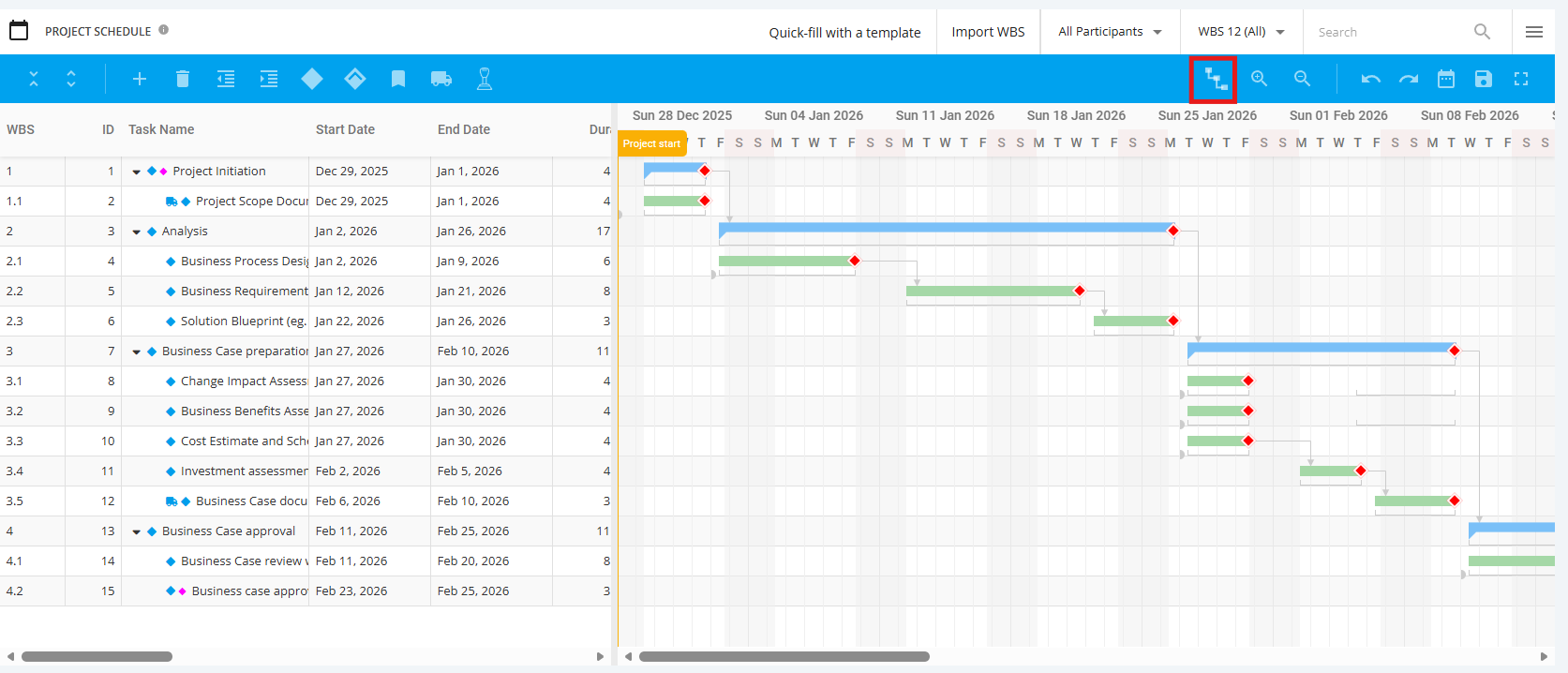
To view Critical Path, click the ‘Schedule’ tab from the left sidebar and then navigate to ‘Project Schedule’
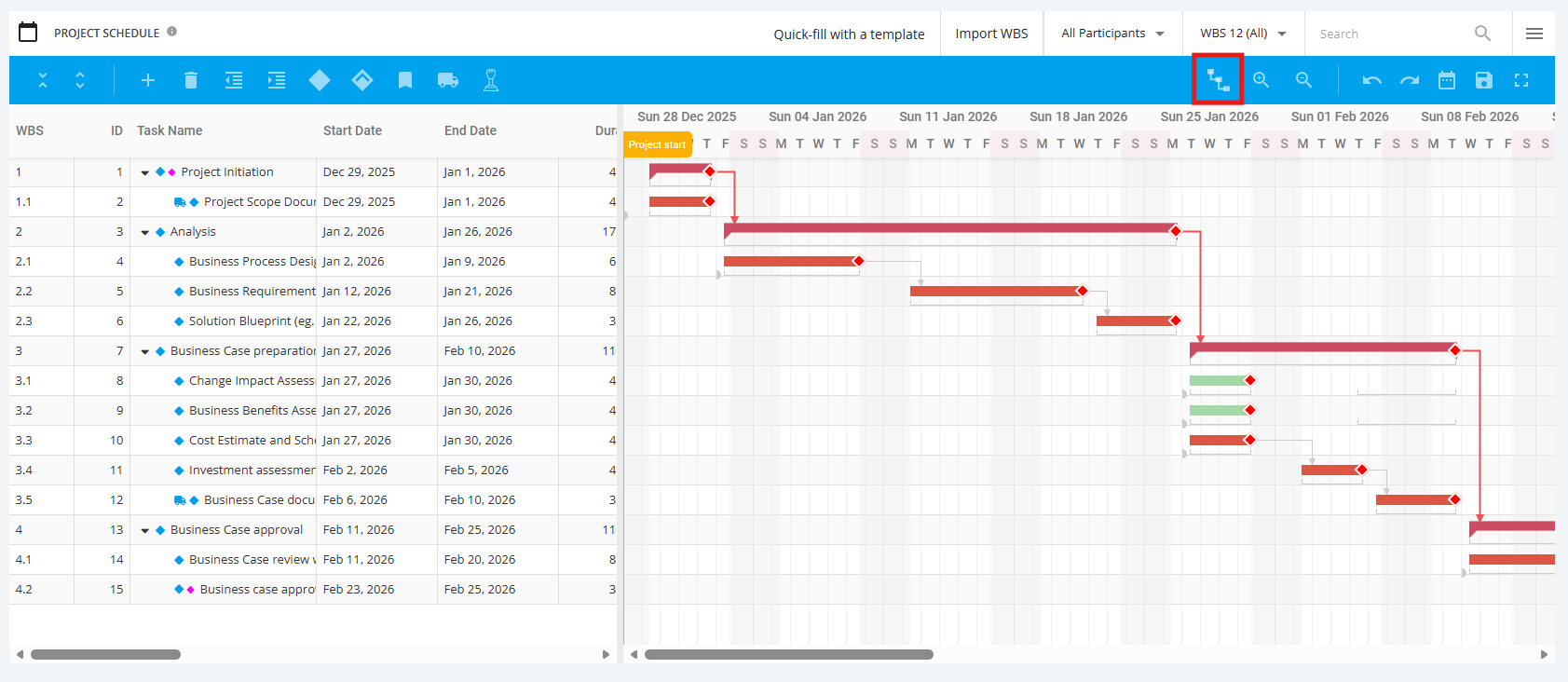
Select Critical Path icon from the toolbar, and it will display in the Gantt chart highlighted in Red.
2. Remove Critical Path within a Project Schedule
To remove display of Critical Path, select the Critical Path icon from toolbar and it will no longer be displayed.